Unity
Make a Unity 2D Platformer with AI: Movement Before More Levels
Design a Unity 2D platformer around a readable jump, camera and restart loop, with a prompt that keeps the first level testable.
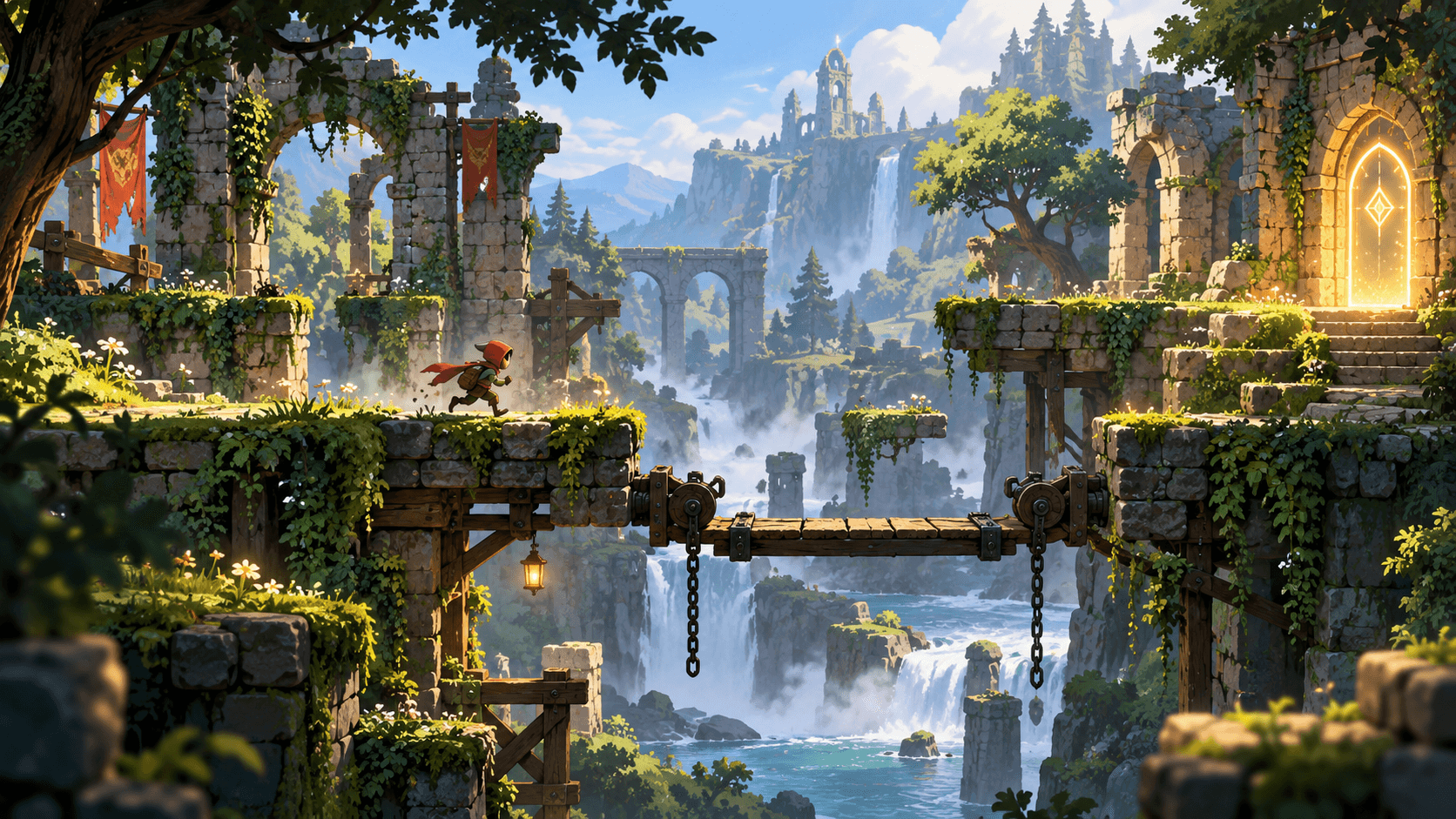
A 2D platformer needs a movement model that players can learn. Before adding enemies and collectibles, make walking, jumping, camera follow and falling recovery feel predictable. One short route gives you enough evidence to tune the feel.
The image is original game concept art. This guide describes a native Unity workflow; Buildr does not currently export Unity projects. You can test the core mechanic through Buildr's Browser destination, then implement it separately in Unity with Play mode testing on the intended resolution and input setup.
Choose a jump promise
Decide whether the jump is fixed, variable-height or momentum-driven. Fixed jumps are easier to read in a first level. Variable-height jumps can feel expressive but need clear input timing. State the choice in the brief and keep the first route compatible with it.
Design platforms around the jump arc. A gap that is technically reachable but visually hidden feels unfair. Show the next landing and place the goal where players can understand the route.
A scoped Unity prompt
Prepare a Unity 2D platformer prototype with one side-on forest-ruin level. Use responsive left and right movement, a consistent jump arc, a visible camera follow and a safe fall-recovery point. Include one moving bridge, one collectible and a glowing goal doorway. Make platform edges readable and keep the next landing visible. Add a start state, a complete win state and Restart. Keep enemies, inventory and multiple levels out of the first slice. Include clear input setup and Play mode checks for keyboard and controller if both are configured.
Separate input configuration from level decoration when debugging. If the character does not move, a new background will not fix the issue.
Playtest the edge cases
Hold the jump input, release it early and press it at the edge of a platform. Fall from the first, middle and final sections. Restart after a fall and after a win. Check that the camera does not reveal an empty area that makes the route unclear.
Make one change per revision. If the jump is too floaty, change the movement parameters before adding a double jump. If the route is unclear, change platform spacing or camera framing before adding a minimap.
Use Unity's official manual for Editor setup and the browser platformer guide for a web-targeted comparison. Open Buildr to prototype a browser platformer; keep Unity implementation and testing in the Unity Editor.
YOUR NEXT BUILD