Browser games
Make a 3D Browser Game with AI: Camera, Movement and One Great Level
Plan a small 3D browser adventure with a usable camera, readable level and reliable controls. Includes a starter prompt and practical performance checks.
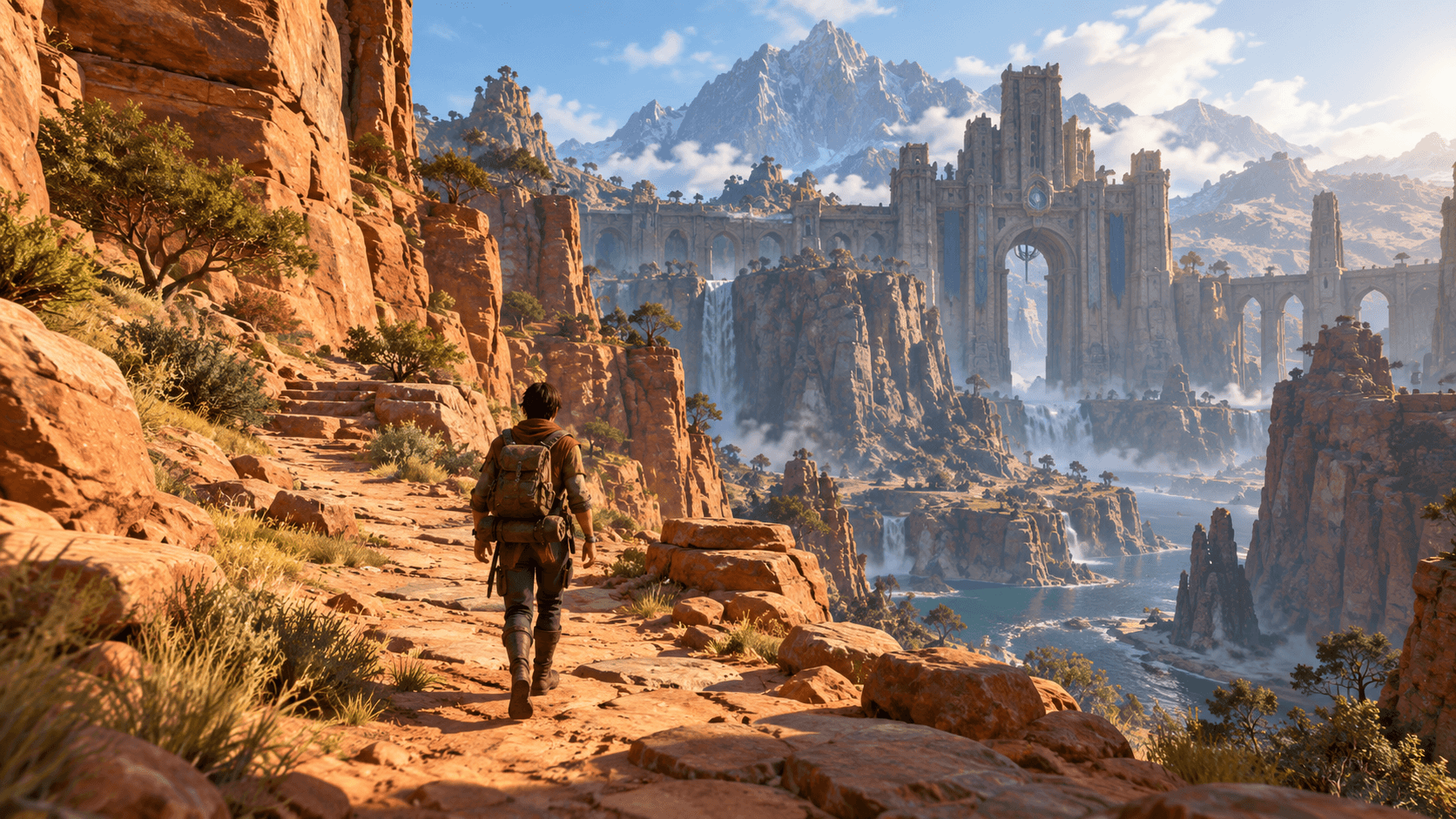
A beautiful 3D scene becomes a game when moving through it feels good. Before adding enemies, inventories or a huge world, give the player a comfortable camera, a clear destination and a route worth exploring. A short canyon adventure can test all three.
Choose Browser in Buildr for a prototype that runs on the web. This guide describes a useful first brief and the checks to make after generation; the cover is an AI concept illustration, not a screenshot of a tested build.
Choose a camera before designing the level
A third-person camera makes the character visible and helps players judge movement. It also introduces a problem: walls can hide the player or block the view. An overhead camera is easier to keep stable, but vertical jumps can become harder to judge. A first-person view puts exploration front and center, while removing the visible character as a scale reference.
For a first adventure, request a third-person follow camera with a predictable distance and no aggressive shaking. Include camera behavior in the prompt. “Keep the player visible near walls” is more useful than “make it cinematic.” Test narrow passages before decorating them.
Make a route with three useful moments
Build a beginning that teaches movement, a middle that introduces one obstacle, and an ending that confirms success. For the canyon example, start on a wide trail, cross a short bridge, then reach a gate after collecting three markers.
The gate should be visible early enough to act as a landmark. A bend in the path can reveal it again after the bridge. This gives the level a shape without requiring a minimap or quest system. Keep decorative cliffs outside the traversable route until collisions and movement work.
| Level moment | Player decision | What to check |
|---|---|---|
| Starting clearing | Find the path | Destination is visible without a tutorial |
| Bridge | Move carefully | Camera and collision do not fight movement |
| Optional side path | Explore for a marker | Return route is clear |
| Exit gate | Finish the run | Success stops the challenge and offers restart |
A prompt for the first playable version
Build a small third-person 3D browser adventure. The player explores one sandstone canyon, collects three glowing trail markers and reaches a visible stone gate. Use WASD and arrow keys for movement, Space for a short jump, and a stable follow camera. Include a wide starting clearing, one short bridge and one optional side path. Keep the character visible near walls. Show collected markers and a clear win screen with Restart. Use original stylized geometry and warm afternoon lighting. Keep the environment compact and avoid unrelated combat, inventory or multiplayer systems.
This brief identifies the camera, route, objective and stopping point. If you want a different art direction, replace the materials and setting while preserving the game rules. For more prompt examples, see six details that improve AI game prompts.
Check movement before adding spectacle
Walk toward a wall, along it, and away from it. Cross the bridge slowly, then at full speed. Jump at the edge of a platform and confirm that a failed jump returns the player to a valid location. Restart twice and verify that collectibles return.
Describe failures with a position and an action: “The camera clips into the right canyon wall when the player turns on the bridge.” An AI can work with that evidence. “The camera is bad” leaves the cause and desired behavior unclear.
Keep the browser workload deliberate
The MDN guide to 3D games on the web explains the rendering technologies behind browser 3D. A browser target still needs a reasonable scene budget. Dense geometry, large textures, repeated shadows and many animated objects can all make a small prototype sluggish.
Test on the actual device you expect players to use. Reduce decorative objects before removing important visual feedback. Ask for fewer repeated props, simpler distant cliffs or a limited number of shadow-casting lights. Change one thing, replay the same route, and compare responsiveness.
Expand the part that already works
Once the route is comfortable, add one new choice: an optional faster path, a timed run or a collectible that rewards a risky jump. Keep the successful version available before requesting a large change. The first browser-game playtest guide covers the complete start, play, finish and restart loop.
You can take the canyon brief into Buildr’s studio. Generation requires a paid plan, sufficient credits and an available model. A finished preview still needs your playtest before you share it as a working game.
YOUR NEXT BUILD