Unity
Prototype Unity Combat with AI: One Attack, One Enemy and Clear Feedback
Scope a Unity combat prototype around one attack and one enemy state, then test timing, damage and restart before adding a full system.
Combat is a timing system before it is a weapon list. A first Unity prototype can use one attack, one enemy and one safe restart. That is enough to evaluate spacing, hit feedback and whether the player understands what happened.
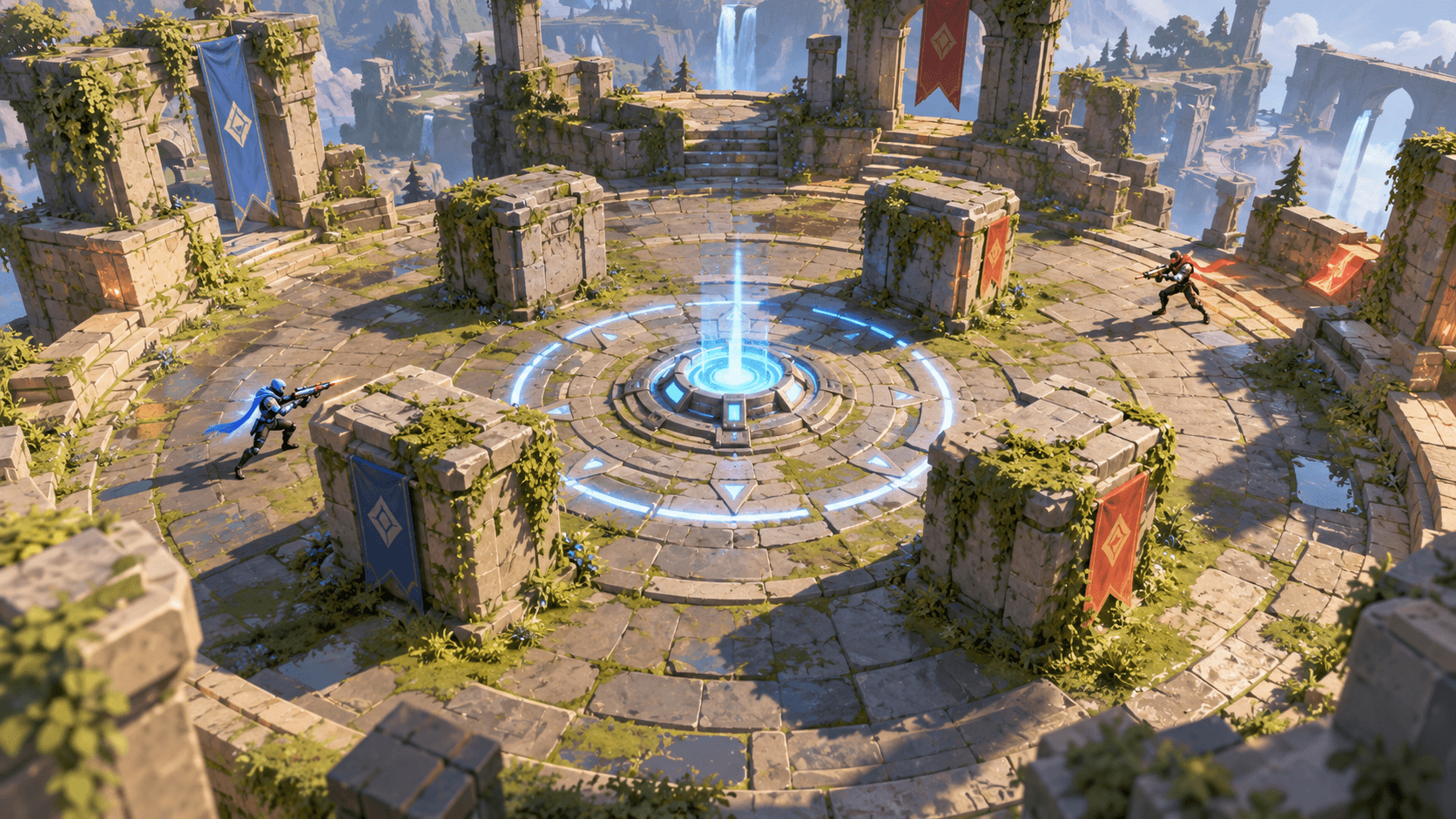
Keep the arena small. A clear objective altar, a few cover rocks and one enemy silhouette make state easier to inspect than a crowded battlefield. This is a Unity design guide; Buildr currently has no native Unity export. Its Browser destination can help explore a mechanic before a separate Unity implementation.
Define the enemy states
List the states the enemy needs: idle, notice, approach, attack, hurt and defeated. Describe how it enters and leaves each state. A state diagram is more useful than a request for “smart AI.”
The player attack needs a range, a wind-up, an active window and a cooldown. Show those phases through animation or feedback. An invisible hit that lands long after the animation feels disconnected.
| System | First rule | Test |
|---|---|---|
| Attack | One short active window | Press repeatedly during cooldown |
| Enemy | Approaches from a readable distance | Break line of sight |
| Damage | One hit per valid action | Stand at the edge of range |
| Restart | Clears combat state | Restart after defeat and victory |
A contained combat prompt
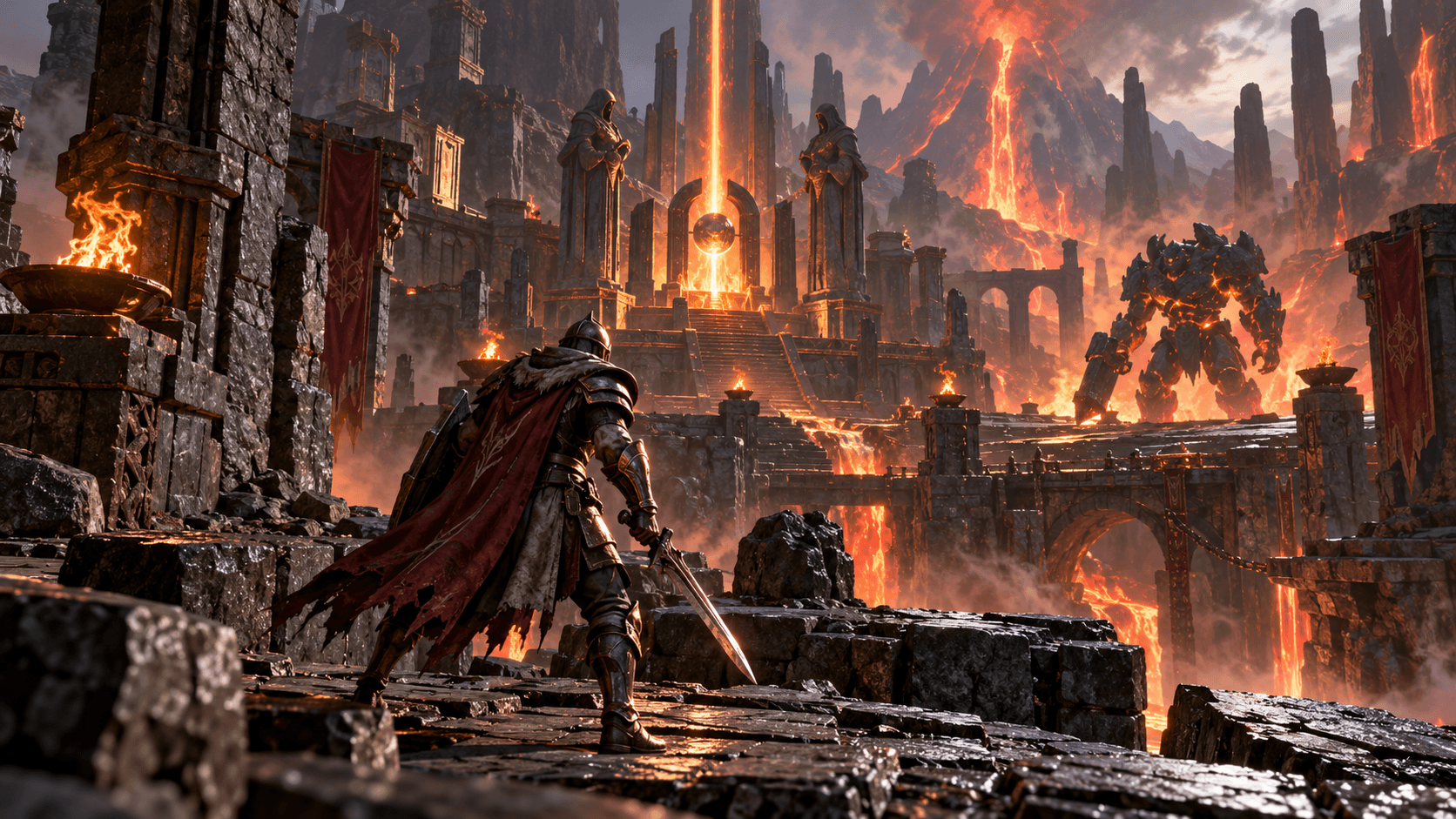
Prepare a Unity third-person combat prototype in a compact volcanic temple arena. The original player character has one close-range attack with a visible wind-up, active window and cooldown. Include one enemy with idle, notice, approach, attack, hurt and defeated states. Show hit feedback and a clear health state without covering the arena. Add one glowing objective altar, a safe restart and a completion screen after the enemy is defeated. Use simple colliders and predictable navigation. Keep inventory, multiple weapons, multiplayer and progression out of the first version. Include Play mode checks for attack timing, enemy state changes and Restart.
This gives you a playable test instead of a sprawling combat framework. Add a second enemy only when the first one is readable and the player can explain the outcome of an exchange.
Check the project in Play mode
Attack at the edge of range, during cooldown and after the enemy is defeated. Let the enemy reach the player, restart during an attack and complete the objective twice. Look for damage being applied twice, stale animations or a victory state that can be triggered without the intended action.
The Unity Manual remains the native reference. Compare the loop with Roblox arena design and AI debugging. Buildr offers browser and Roblox prototyping; apply Unity-specific revisions and run the tests in the Unity Editor.
YOUR NEXT BUILD