Game design
Fix an AI-Generated Game: A Playtest and Debugging Workflow That Works
Turn a broken game behavior into a useful AI revision request. Learn to reproduce bugs, isolate one change and verify fixes across browser and native targets.
The most useful AI revision request describes a failure that someone else can reproduce. “Make it better” asks the model to guess. “Restarting after a loss leaves the old enemies in the arena” identifies an action, a state and an incorrect result.
Treat the first generated version as a prototype to test. A complete-looking interface does not prove that controls, progression and restart work together. This workflow helps you find the most important failure and describe a small, verifiable fix.
Walk through the complete loop
Begin at the title or start screen. Enter play, use the main action, trigger the end condition and restart. Then do it again. The second run catches state that was created during the first run but never cleared.
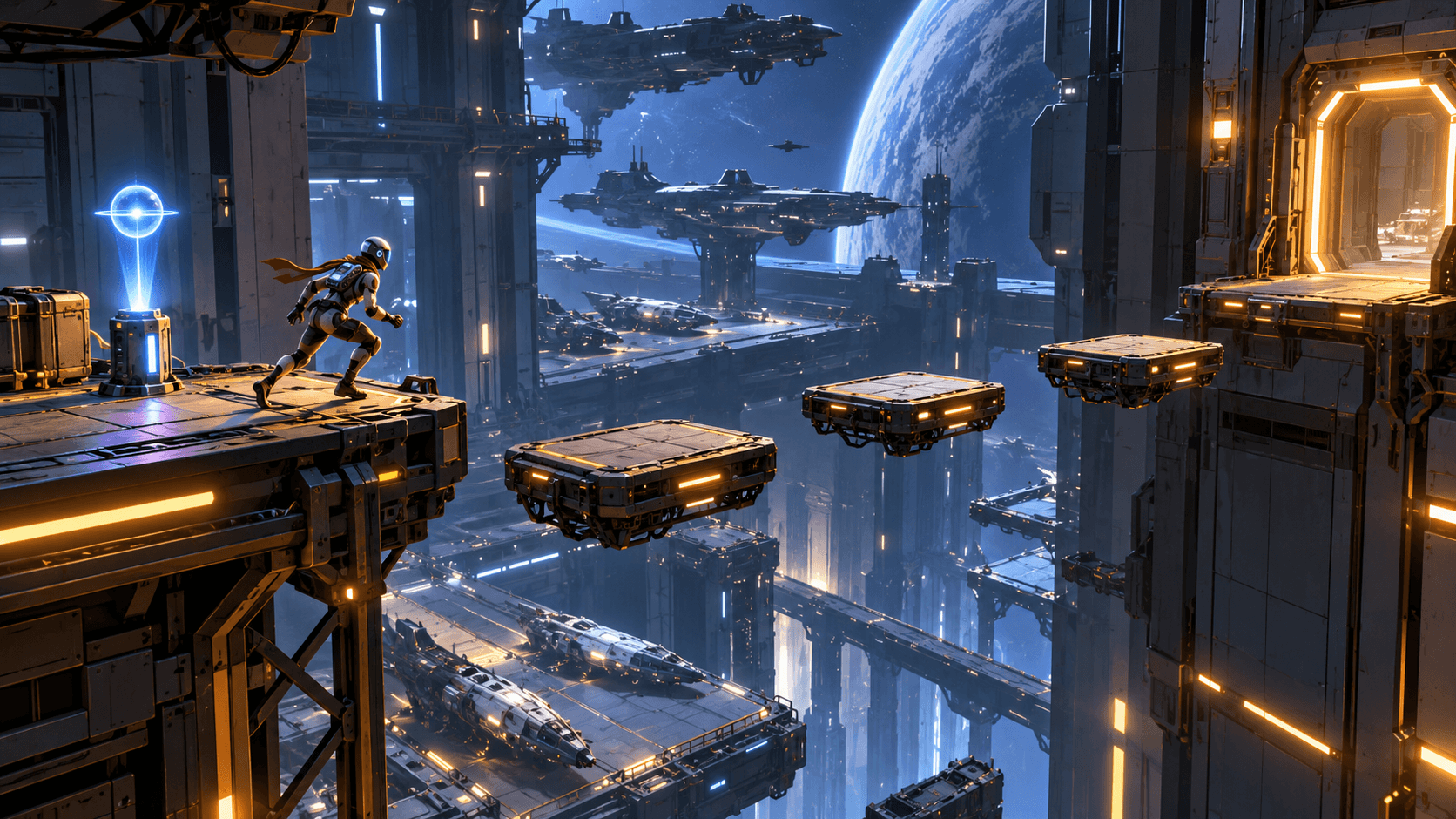
For a platformer, jump, fall, use a checkpoint and reach the goal. For tower defense, place a tower, start a wave, lose a life and restart. For a puzzle, move an object, solve the room and reset it. Choose tests that match the actual rules rather than clicking randomly.
Record the smallest reproduction
Write the starting condition, exact steps, expected behavior and observed behavior. Include the relevant browser or engine version when it may affect the result. If an error appears in the console or native tool, preserve the useful error message while removing private keys or account information.
| Report field | Example |
|---|---|
| Starting state | New run, checkpoint not activated |
| Action | Fall from the second platform |
| Expected | Respawn at the starting platform with timer preserved |
| Observed | Character respawns below the level and falls repeatedly |
| Repeatability | Happens on three consecutive new runs |
This report tells the AI where to look and tells you what to verify afterward. A screenshot can illustrate the scene, but an image alone rarely explains the state transition that caused a bug.
Fix blocking failures first
Prioritize bugs that stop the loop: failure to start, unusable controls, impossible objectives, broken end conditions or a restart that corrupts state. Next address confusing feedback and balance. Visual polish can wait if the player cannot finish a run.
Keep a short list instead of asking for every improvement at once. A camera issue, a collision issue and a progression issue may have different causes. Combining them with a new art style makes it harder to tell which change solved the problem.
A precise repair prompt
Fix one reproducible problem in the current platformer. On a fresh run, falling from the second platform respawns the player below the level and causes repeated falling. Expected behavior: before any checkpoint is activated, a fall returns the player to the starting platform at a safe position, clears downward velocity and preserves the current timer. After a checkpoint is activated, respawn at that checkpoint. Preserve the existing level, controls and art. Check fresh-run falling, checkpoint falling and Restart after a loss. Explain which state or position was corrected.
The prompt defines behavior before and after a checkpoint, plus a regression test. It asks for a targeted change without requiring the AI to reinvent the game. For more brief-writing examples, read better AI game prompts.
Verify the fix and its neighbors
Repeat the exact reproduction steps. Then try nearby cases: falling from a different platform, activating the checkpoint twice and restarting during a fall. A fix that handles only one location can leave the same underlying bug elsewhere.
Check the full loop again after the repair. Respawn changes might affect the timer or win screen. Keep a working export or version available before another large revision so that a new failure does not erase your last usable state.
Test in the destination that matters
Browser previews need browser playtests. Roblox output needs Roblox Studio testing, including multiple clients when state is shared. Unreal source needs compilation and Editor execution. Blender scripts need successful native execution and inspection of the intended scene or render.
The Roblox testing-mode reference explains its native test options. For browser controls, the mobile guide covers interrupted and simultaneous input. A preview image or a download button is useful output, but neither proves that a native project runs.
Stop when the evidence says it is fixed
After the original failure and neighboring cases pass, move to the next important issue. Repeated vague rewrites can introduce regressions and consume credits without answering a specific question. A concise repair request followed by a repeatable test gives every iteration a purpose.
Use Buildr's studio to apply your next focused revision when paid credits and model access are available. Keep the report with the project so the next playtest can confirm that the same failure has stayed fixed.
YOUR NEXT BUILD