Game design
No-Code Game Development: Make a Small Game Worth Playing
A practical way to scope your first AI-built game: one core mechanic, a complete replay loop, and a playtest that tells you what to improve.
The hardest decision in a first game is often deciding what to leave out. AI can help create code and assemble a prototype, but a long list of features does not automatically become a satisfying game. A small, complete experience gives you something concrete to improve.
In Buildr, you describe the result you want and choose where it belongs: Browser, Roblox, Unreal Engine, or Blender. That choice changes the output and the next steps. A browser game is a playable software experience; a Blender scene is a visual production. Start by deciding which result you actually want to test.
Find the smallest interesting loop
A game loop is the action the player repeats and the reason they keep doing it. In a garden game, that could be planting, waiting, harvesting, and spending the reward on another seed. In a short arena game, it might be avoiding enemies, collecting an upgrade, and surviving a little longer.
Choose a loop with an observable consequence. “Explore a beautiful village” can be a scene brief. “Collect three seeds around the village and use them to grow a rare plant” creates a goal and a reason to move.
Your first version should answer one question: is that action satisfying enough to repeat? It does not need an entire economy, dozens of characters, or a long story to answer it.
Define what done looks like
Before writing the prompt, list the behaviors that make the first version complete. Keep that list short enough to test in a single sitting.
| Part | First-version requirement |
|---|---|
| Beginning | The player can understand the goal and start |
| Action | Controls work and respond predictably |
| Feedback | Progress, rewards, and mistakes are visible |
| Ending | The game knows when the run is complete |
| Restart | A new run starts with clean state |
These details matter more than the number of objects in the scene. A beautiful farming world with no working harvest interaction is not yet a farming game.
Write a brief for one playable slice
Here is a focused starting prompt:
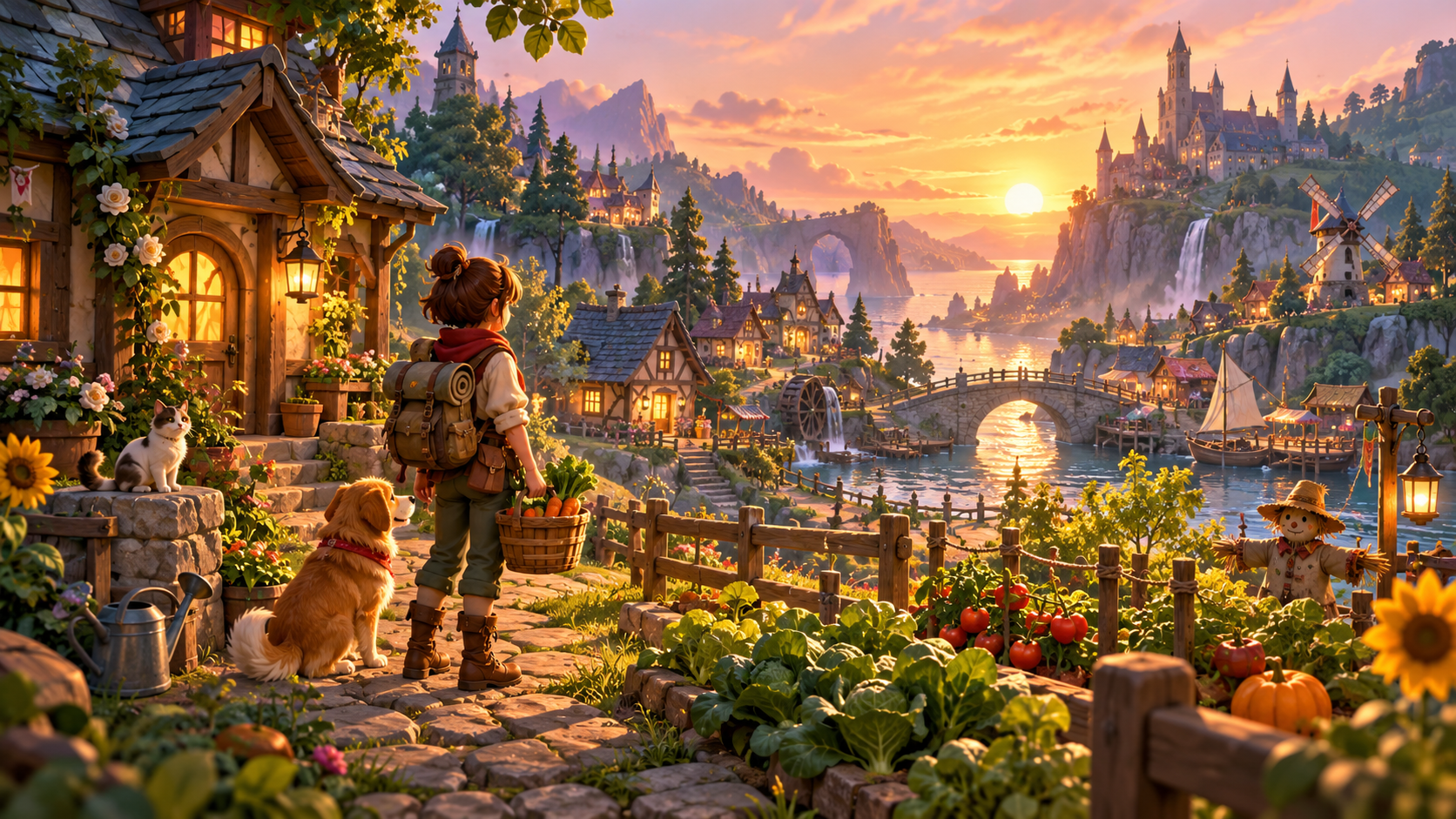
Create a small browser farming game set in one cozy village garden. Let the player select an empty plot, plant a seed, watch a short growth timer, and harvest a crop. Give each harvest coins that can buy another seed. Show coins and seed count clearly. Add a short first-run instruction and a reset button. Use a warm, stylized look. Keep the first version to three plots and one crop type.
Paste that into the Buildr studio with Browser selected. Generation requires a paid plan and an enabled model; check the model menu for the request price before starting.
The point of the limits is to make the result easy to inspect. You can test three plots thoroughly. A large farm with many interacting systems makes the first failure harder to isolate.
Use a playtest to choose the next edit
Ask someone to try the game without coaching them. Observe where they stop, what they click first, and whether they can explain the goal after playing.
If they cannot find the planting action, improve the instructions or interaction feedback. If they understand the system but become bored, adjust pacing or reward structure. If they want another crop, you have a concrete reason to expand the content.
Write follow-up requests from observations:
- “Empty plots do not look clickable. Highlight them on hover and add a Plant label.”
- “Players miss the harvest reward. Show a brief coin gain above the plot.”
- “Reset leaves grown crops behind. Return every plot and counter to the starting state.”
Keep edits focused so you can tell which change helped. The browser playtest guide provides a checklist for movement, feedback, and restarting.
Expand after the loop works
Add a second crop when the first crop’s behavior is reliable. Add a larger village when moving between the garden and another location improves the experience. Introduce saving, multiplayer, or commerce only when you have a plan to test those systems in the target environment.
AI-generated code still needs review and testing. Engine exports also need to be opened in their native tools. “No-code” describes how you start creating; it does not make every project release-ready without inspection.
Choose a first slice you can finish and understand. Open Buildr, create that slice, and let the playtest guide the next request.
YOUR NEXT BUILD