Prompts
Better AI Game Prompts: Six Details That Change the Result
Use a clear player goal, controls, challenge, feedback, ending, and visual direction to get a more useful first game prototype.
A useful game prompt is a short design brief. It tells the AI what the player does, how the game responds, and what a complete first version should include. Long prompts can still be vague; a few concrete behaviors usually provide better direction.
Buildr starts from your prompt without a questionnaire. You can use that space to describe the decisions that matter to the experience and leave room for the AI to implement them.
Give the player one clear goal
Name the action and the objective in the same sentence. “Collect five crystals and reach the portal before time runs out” explains more than “make an adventure game.” It also creates a simple checklist for your first playtest.
Pick an objective the game can measure. If the goal is exploration, specify what the player discovers or activates. If the goal is survival, define a duration, a wave count, or another end condition.
Describe controls in player language
Say what the player should press, tap, or drag. Include the camera behavior when it affects the game: a top-down view and a third-person camera create different navigation experiences.
For a browser project, specify whether keyboard play, touch play, or both matter. Do not assume that a responsive layout automatically creates touch controls. For a Roblox or Unreal project, test inputs inside the native engine.
Explain the source of challenge
Choose the pressure that makes the action interesting. It could be moving obstacles, limited time, enemies, scarce resources, or a puzzle with an explicit rule.
Avoid adding every source of difficulty at once. An early version with one readable hazard is easier to balance than a scene with several systems whose effects overlap.
“Make enemies challenging” is vague. “Enemies slowly approach the player, pause briefly before attacking, and become slightly faster after each wave” describes behavior you can observe.
Tell the game how to give feedback
Specify what the player sees after progress, mistakes, and rewards. A pickup can disappear, increase a counter, and produce a short visual pulse. A hit can change health and briefly highlight the character.
Keep feedback tied to the event. Decorative effects are less useful if the player cannot tell which action caused them. Put important counters in a stable, readable location.
Include the ending and the restart
An unfinished loop often shows up at the end. Define success and failure explicitly, then say what a new run resets.
For example: “When the player reaches the portal with five crystals, show a victory screen. If the timer expires, show a retry screen. Restart must reset the timer, score, pickups, and player position.”
This requirement matters even for a tiny prototype. You need repeatable runs to compare difficulty and verify later edits.
Give visuals a practical direction
Describe a coherent style and a few meaningful choices. Name the palette, lighting, or atmosphere that helps the scene read. “Warm stone ruins with turquoise objectives and a clear dark HUD” is more useful than a list of conflicting aesthetic references.
A Blender brief also needs the shot: subject, camera angle, lighting, materials, and output purpose. The Blender workflow guide shows how those choices fit together.
Here is a complete starting prompt:
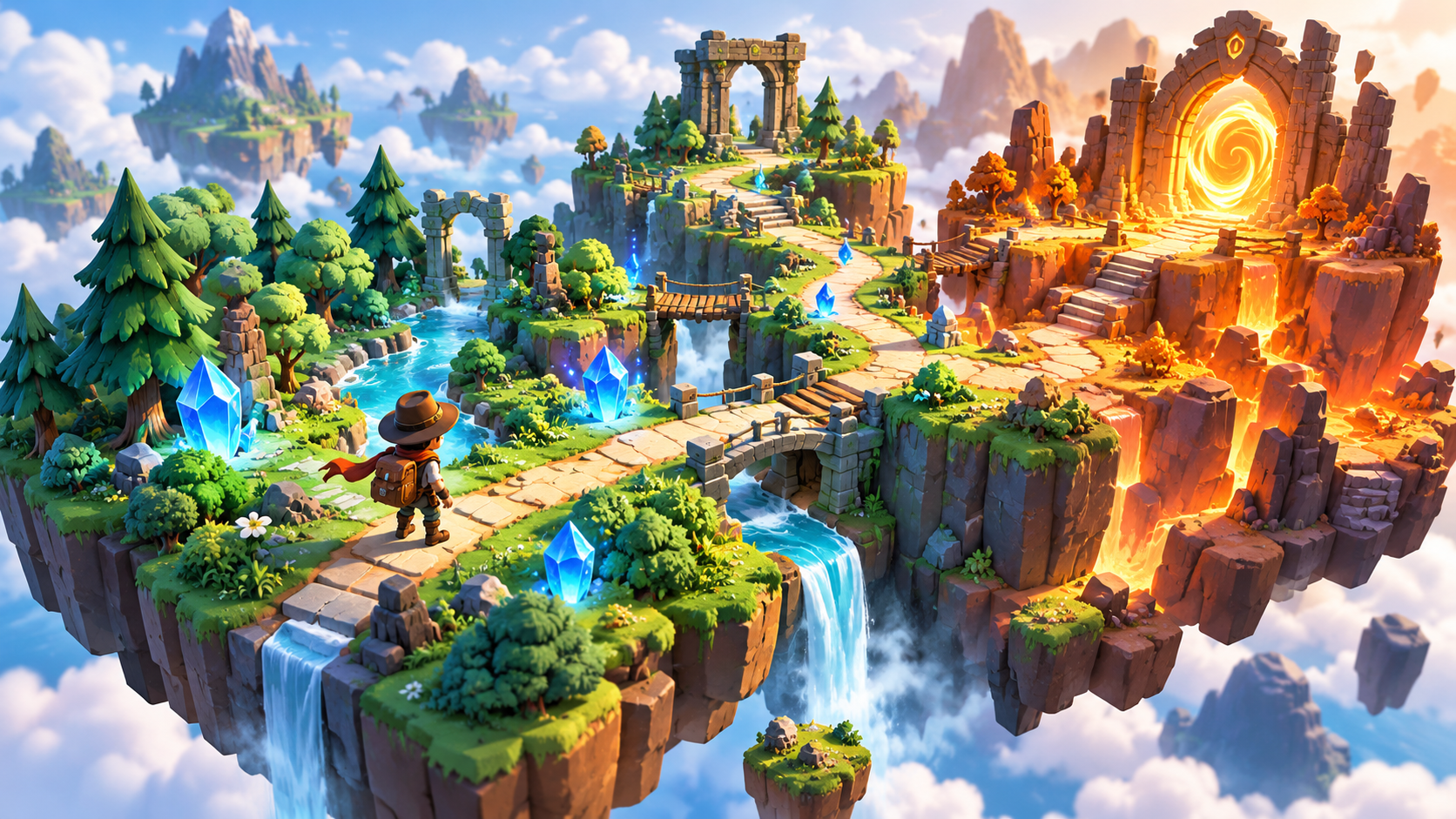
Create a compact top-down browser adventure. The player moves with WASD and must collect five glowing crystals before a ninety-second timer expires, then reach a clearly marked portal. Add slow-moving hazards with predictable paths. Show the crystal count and remaining time in a readable HUD. Give pickups immediate visual feedback. Add victory, failure, and restart screens; restart resets the entire run. Use a stylized emerald forest with warm stone paths. Keep the first version to one small map.
Turn observations into better follow-ups
Use the pattern problem → desired behavior → what to preserve. For example: “The player cannot tell where the portal is. Add a visible marker pointing toward it, and keep the current map and camera.”
If a result fails, identify the trigger: “Restart after a timeout leaves the crystal counter at five.” That gives the next request a much clearer target than “fix bugs.”
For your first version, make the brief fit one playable slice. Read the browser playtest guide for a checklist, then open Buildr and try your own focused prompt.
YOUR NEXT BUILD