Browser games
Build a Browser Game with AI: From First Prompt to First Playtest
Turn one clear game idea into a playable browser prototype. Learn what to put in your prompt, how to test the first version, and which edits actually improve it.

A hoverboard racer, a tiny farming world, a one-minute survival arena: a browser game is a good place to discover whether an idea is fun. You can reach a playable version, try the controls, and identify the next improvement without turning your first experiment into a large production.
Buildr’s game studio gives you a prompt, a destination selector, and a preview workspace. Choose Browser when the result should run in the browser. The goal for your first request is simple: one complete loop that a player can understand, play, finish, and restart.
Start with the action, not the feature list
Write the sentence that explains what the player does. “Dodge traffic and reach the finish line” is a usable starting point. “A massive futuristic universe with every feature” leaves the important decisions unresolved.
Then name the constraint that makes the action interesting. A racer needs corners, rivals, a timer, or another source of pressure. A collecting game needs a reason to choose a route. A survival arena needs a clear relationship between danger and reward.
Keep the first version focused. One track with three useful turns teaches you more about steering than ten tracks with incomplete rules. You can expand a mechanic after it survives a playtest.
Give the first prompt a complete loop
You do not need to specify every implementation detail. Describe the player-facing behavior: how movement works, what success looks like, and what happens after failure.
| Detail | What to describe | Racer example |
|---|---|---|
| Main action | The thing the player repeats | Steer through a short course |
| Controls | How to perform that action | Arrow keys; visible restart button |
| Challenge | What makes it difficult | Tight turns and a time limit |
| Progress | How the player sees improvement | Checkpoints and elapsed time |
| Finish | A clear end condition | Complete the lap |
| Replay | What happens next | Results screen with Try Again |
Use a brief like this in the Buildr studio:
Build a browser hoverboard racing game on one compact coastal-city track. Use arrow keys to steer and accelerate. Add three checkpoints, a lap timer, barriers with clear collision feedback, and a finish gate. Show the controls before the race starts. After finishing, show the final time and a restart button. Aim for clean blue-and-orange visuals with a readable HUD. Keep the first version single-player.
This prompt supplies a testable set of behaviors. The visual direction supports the game; it does not replace the rules. For more examples, read Better AI Game Prompts.
Choose Browser and check the request price
Open Buildr, choose Browser, and paste your idea. The model pill beside Create shows the available model choices and their request prices. The number outside that menu is your remaining credit balance.
Generation requires a paid plan and an enabled model. If a model has not been activated for the studio, its generation action remains unavailable. Buying credits does not remove a provider access or quota issue.
Browser creation and updates use a fixed credit price that includes generation and up to one repair call. The same selected model handles both. Check the displayed price before each request rather than assuming a tiny edit has a smaller charge. You can review the subscription options on Buildr’s pricing section.
Play the first version like a new visitor
Resist the urge to judge only the scene. A good-looking opening screen can hide a weak game loop. Start a fresh run and check the details that make the experience understandable.
- Before moving: can you identify the objective and the controls?
- During play: do your inputs produce predictable movement?
- At a checkpoint: does the game acknowledge progress immediately?
- After a mistake: can you understand what caused it?
- At the finish: is success clear, and does restarting reset the whole run?
For touch controls, test on an actual phone. A page fitting on a small screen does not prove the game can be played comfortably with a thumb. Watch for instructions that assume a keyboard, HUD elements that cover the action, and buttons too close to the device edge.
Request one meaningful improvement
Describe a visible problem and the desired behavior. “Make it better” gives little direction. “The steering feels delayed; respond immediately to input, but keep the current speed and track” identifies a specific change.
Useful follow-up requests include:
- “Make the next checkpoint visible from the current one. Keep the course layout.”
- “Move the timer to the top center and increase its contrast against the sky.”
- “Reset the timer, checkpoints, and player position when Try Again is pressed.”
- “Add touch steering buttons without covering the race view.”
Change the largest obstacle to a good playtest first. If restarting is broken, solve that before adding another environment. Our small-game development guide explains how to keep the scope useful.
Keep a version you can return to
Save the project in My Projects and download the source when you reach a stable milestone. A playable prototype is easier to evaluate when you can compare an edit with the version before it.
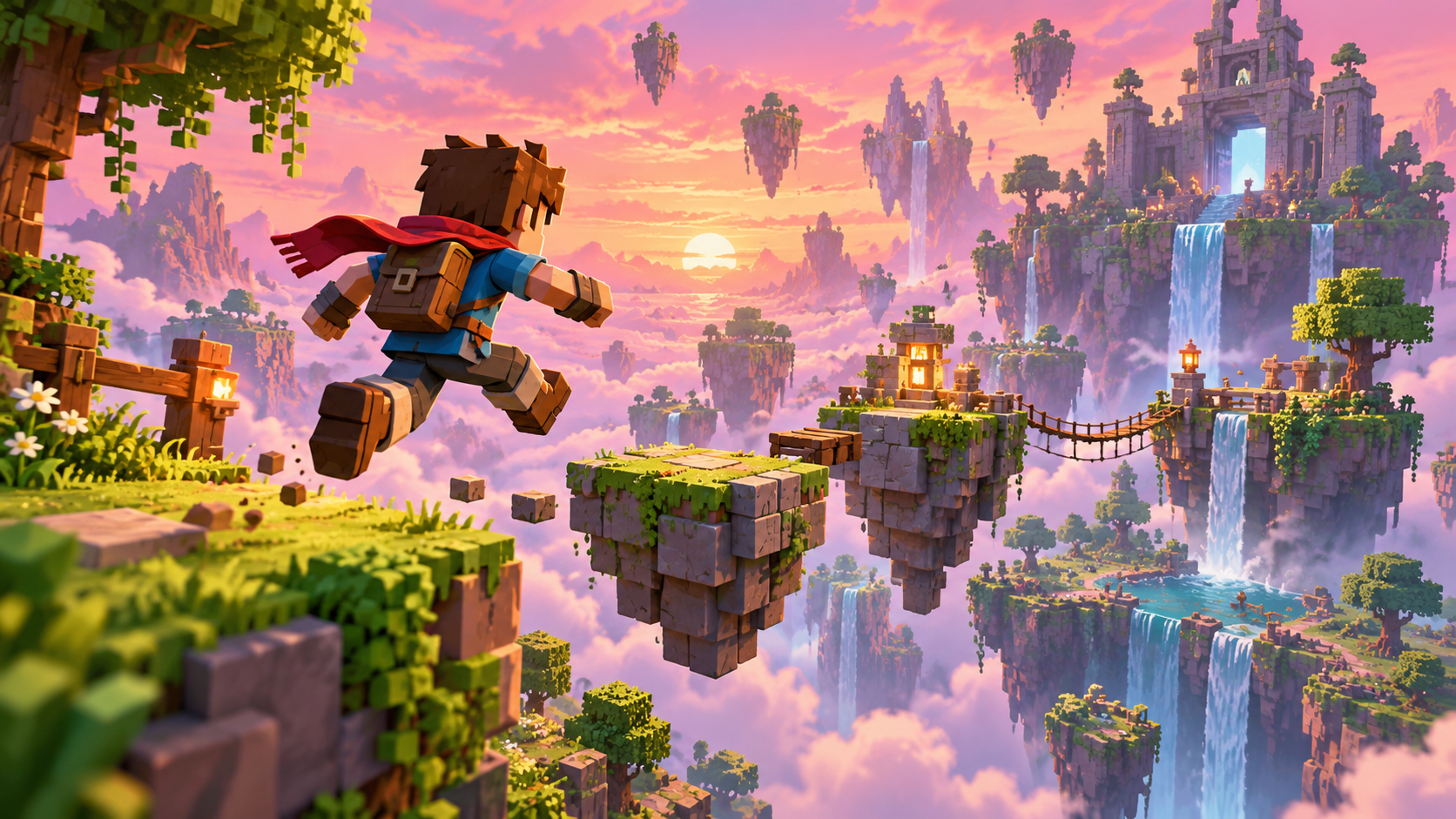
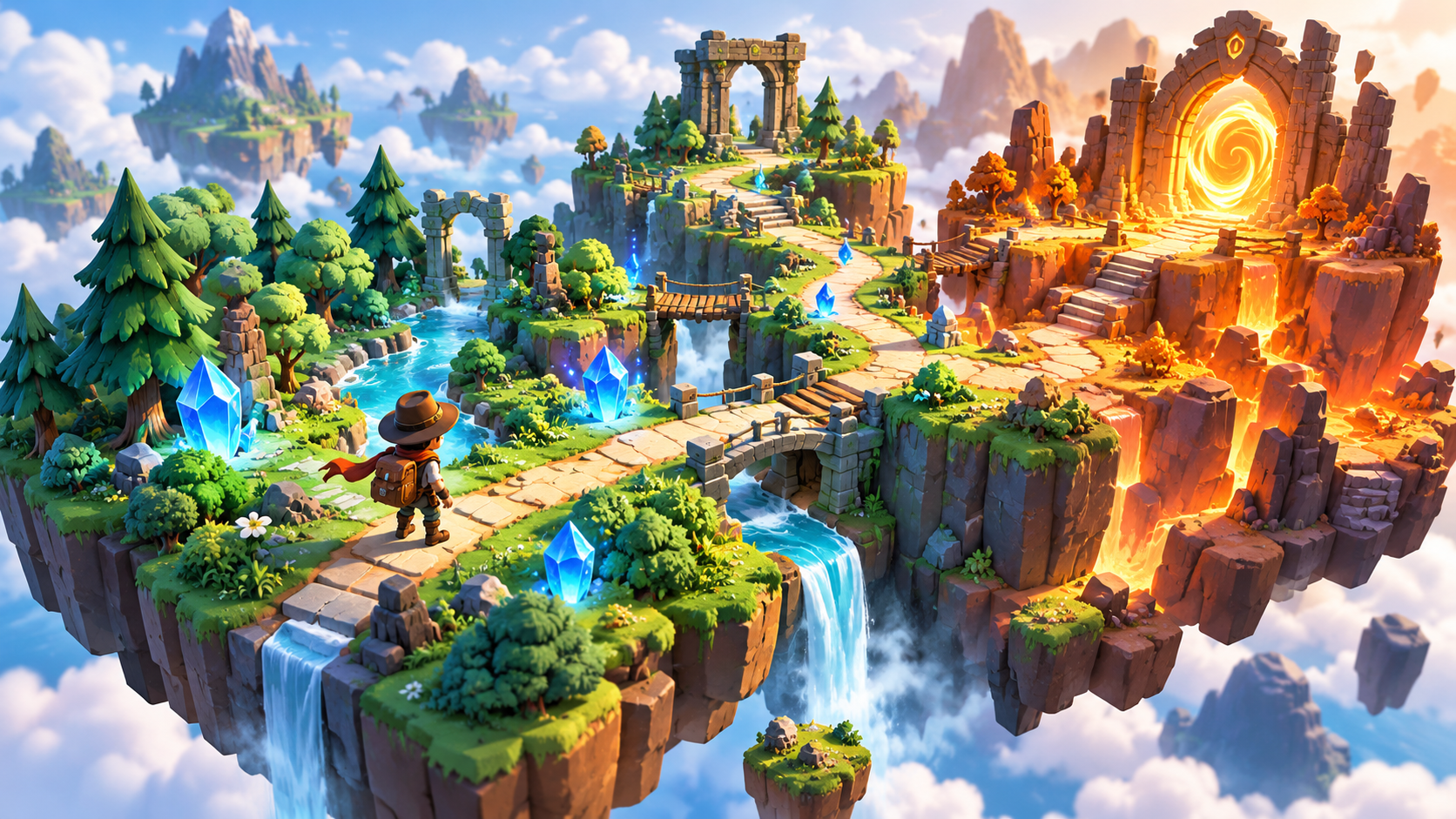
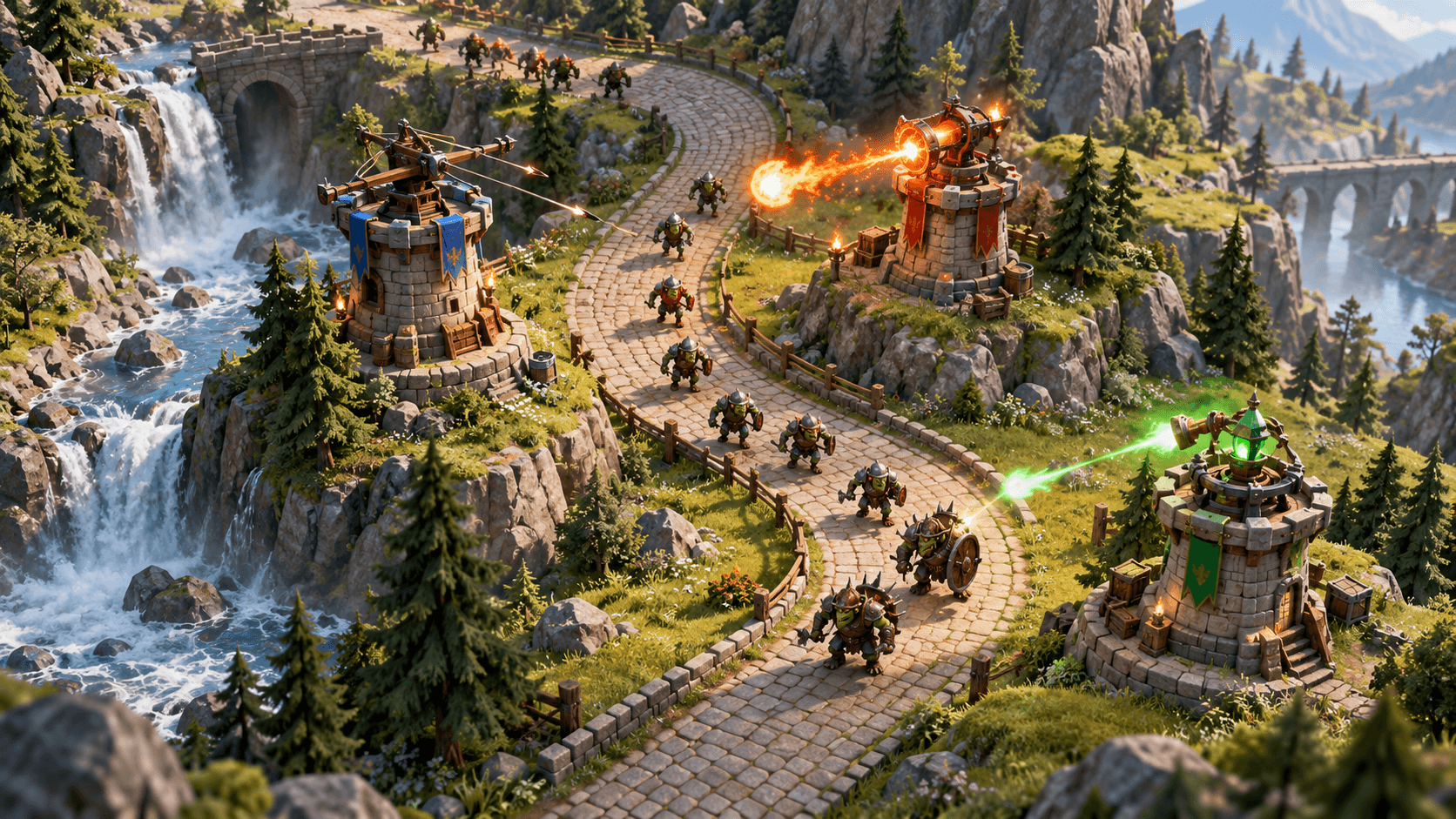
The browser showcase on the studio page is an existing example for inspiration. It is separate from your generated project. Your own preview appears as your build takes shape, and the cover of this article is original concept art.
The first milestone is a game someone else can understand without your explanation. Open Buildr, describe that version, and use the first playtest to decide what belongs in the next one.
YOUR NEXT BUILD