Unreal Engine
Plan an Unreal Open-World Map with AI: Landmarks, Routes and Streaming Boundaries
Start an Unreal world with a small connected valley, readable landmarks and practical streaming boundaries before adding a giant map.
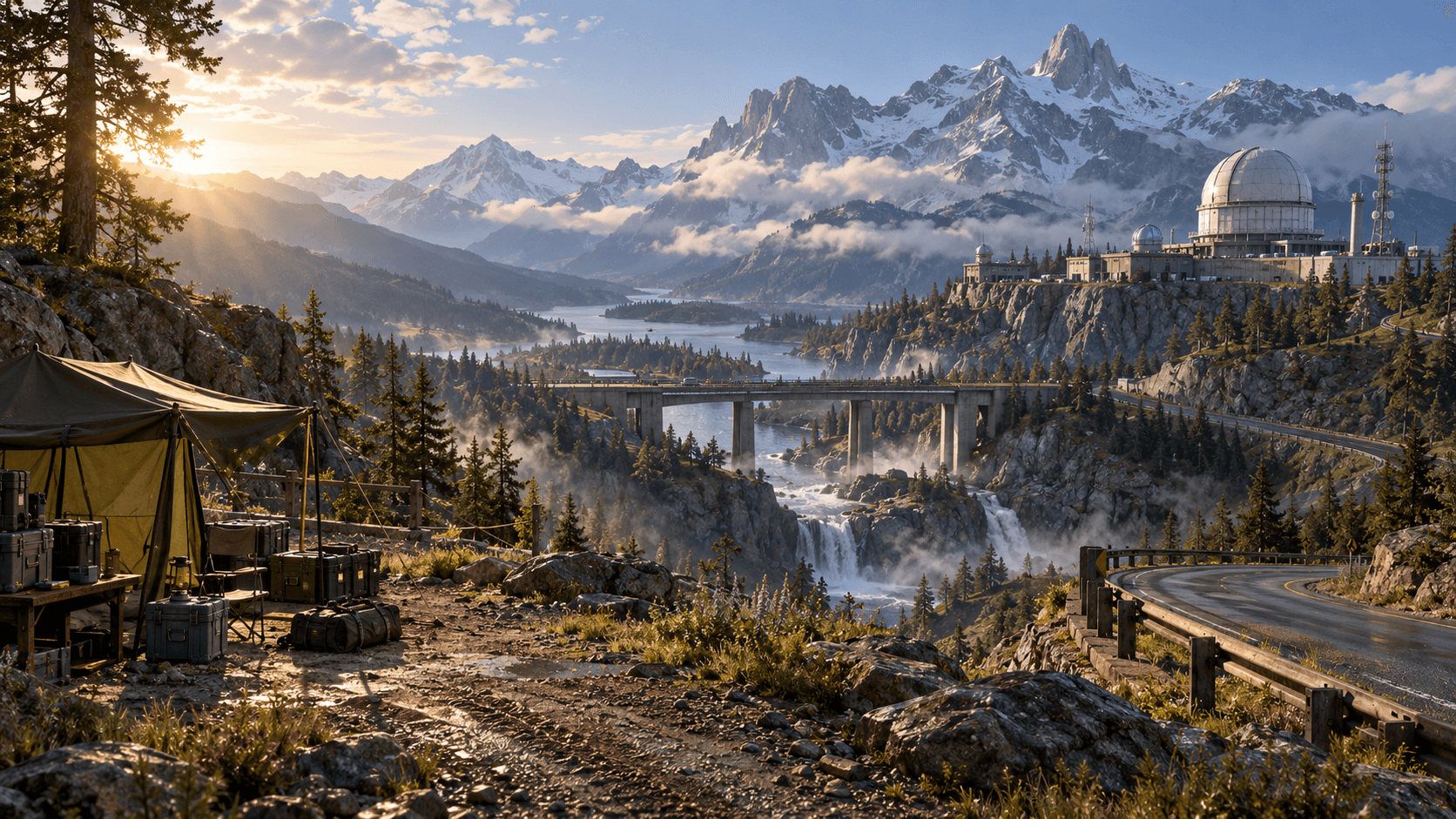
An open-world prototype is a route problem before it is a size problem. Players need a landmark, a reason to move toward it and a nearby place where the route changes. One valley with three connected spaces can teach more than an empty map that takes ten minutes to cross.
Buildr's Unreal output is an early-access source prototype. Check the generated project in the intended Unreal version, compile it and play from the native Editor before treating it as a working world.
Lay out three distances
Use a foreground space for immediate interaction, a middle distance for the next route and a background landmark for orientation. A camp, bridge and observatory make a useful first chain. The landmark should be visible from more than one point so the player can regain direction without a map.
Do not fill every distance with detail. Empty space can make a landmark legible and leaves room for later gameplay. The Epic level-design quick start is a useful native reference for building and testing spaces in the Editor.
| Layer | Purpose | First test |
|---|---|---|
| Foreground camp | Start and teach interaction | Player can orient in ten seconds |
| Midground bridge | Route choice | Bridge is visible and reachable |
| Background observatory | Goal and scale | Landmark remains recognizable |
Ask for boundaries, not just scenery
Describe where a region starts and stops. A valley can be divided by the road, river and ridge rather than arbitrary square tiles. State which spaces should be loaded together for the prototype and which distant assets can remain simple.
This is a design brief, not a promise that generated source automatically implements production streaming. Verify the resulting project and use native Unreal tools for the final world-partition or level-streaming setup.
A practical map prompt
Prepare an Unreal Engine 5.4 early-access source prototype for a compact mountain research valley. Use three connected spaces: a foreground camp with one interactable radio, a bridge crossing a narrow ravine and a distant observatory as the visible destination. Keep the road and major landmarks readable from the player camera. Use simple greybox-friendly collision, clear route boundaries and a restrained morning atmosphere. Organize the world so the camp, bridge and observatory can be inspected separately. Include native setup, compile and Editor play instructions. Do not add combat, inventory, procedural world generation or claims of production streaming until verified.
The prompt gives the model a spatial hierarchy. Once that works, add one gameplay objective that makes the bridge worth crossing. A new biome can wait.
Measure the route in the native view
Walk the full path in both directions. Check that the player can see where to go after leaving the camp and after reaching the bridge. Look for collisions at slopes, doorways and the observatory entrance. Then inspect the world from the Editor to find objects that are needlessly dense or duplicated.
Read the Unreal map guide for atmosphere and the performance guide for a practical detail pass. Use Buildr with one focused revision and validate the source before expanding the map.
YOUR NEXT BUILD