Unreal Engine
Optimize an Unreal Game Scene with AI: Preserve the Read Before the Detail
Ask AI for targeted Unreal performance improvements without flattening the scene. Use a visual budget, native profiling and repeatable checks.
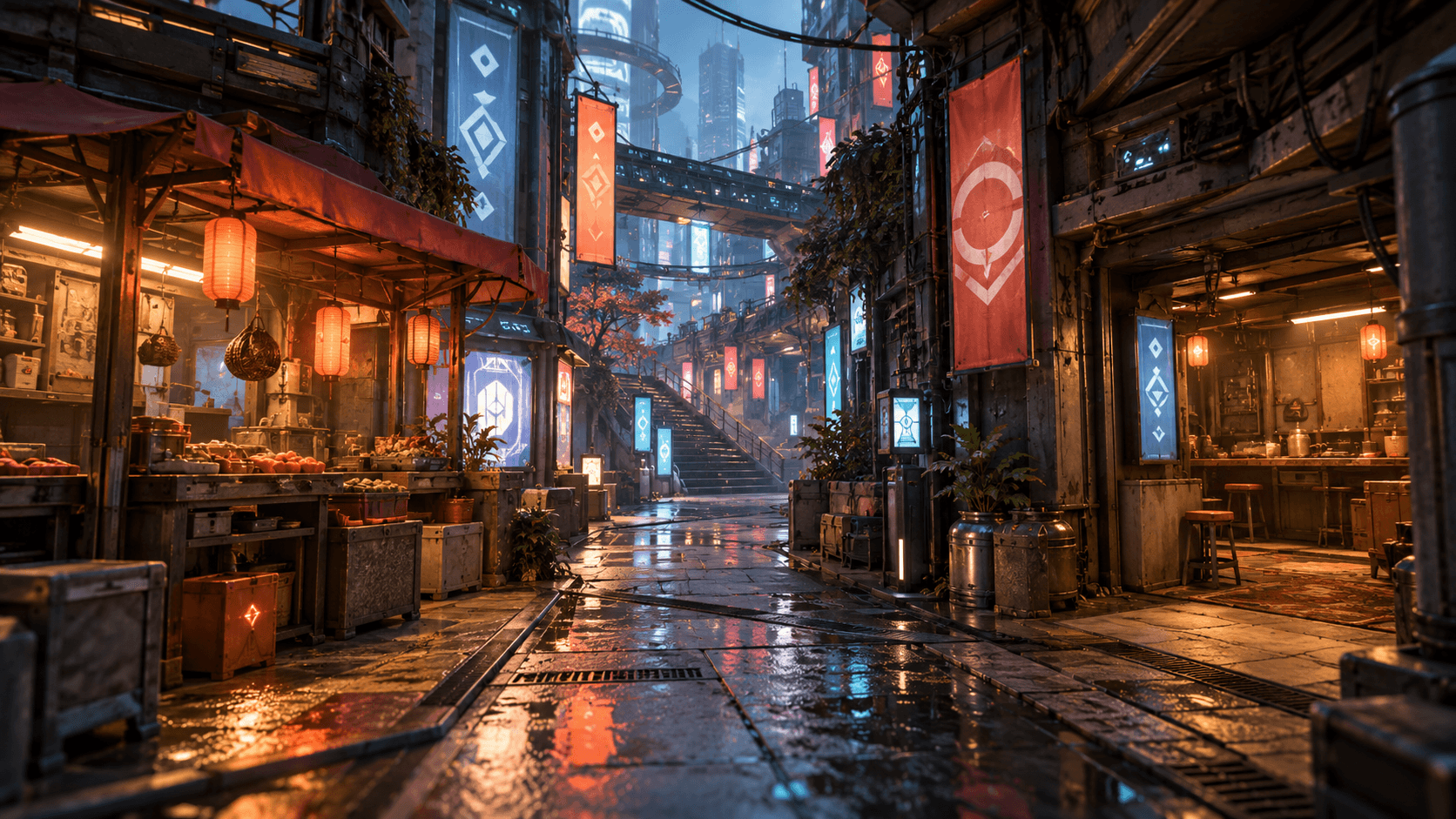
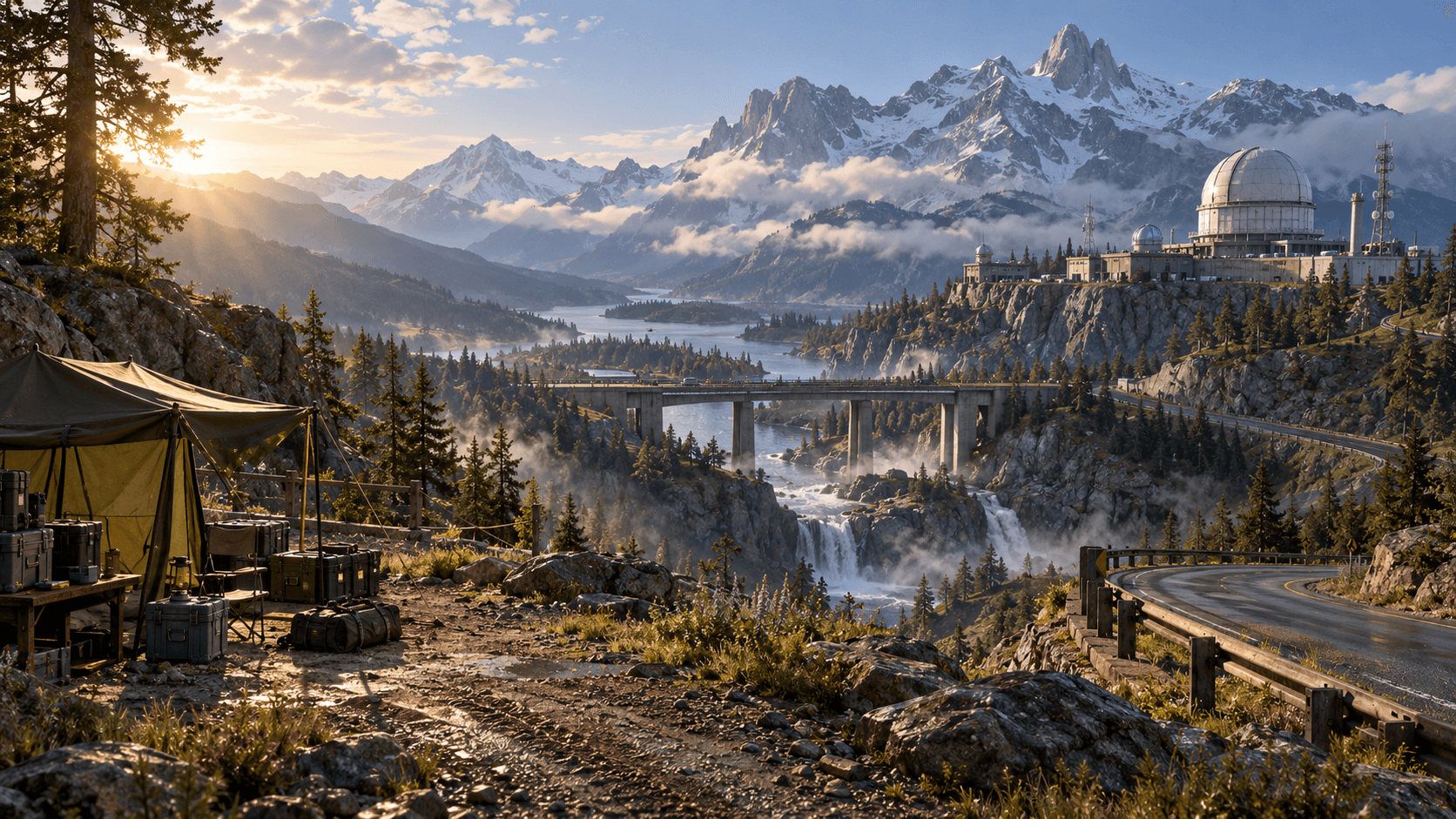
Optimization is easier when you know what the scene is trying to communicate. Removing every prop can improve a number while making the level feel empty. Start by protecting the main path, landmark and interaction area, then reduce detail that does not affect that read.
Buildr can prepare a focused environment brief, but a generated scene is not automatically profiled. Use the Unreal Editor and a repeatable route to measure a real target configuration.
Write a visual budget
List the objects that must remain clear: the path, player silhouette, objective and major landmark. Then identify repeated decorative elements that can be simplified or reduced at distance. This gives AI a useful priority order.
Avoid asking for “maximum performance” without naming the target. A desktop prototype, a mid-range laptop and a console target have different constraints. Include a representative resolution and the route used for comparison when requesting a revision.
| Area | Protect | Simplify first |
|---|---|---|
| Main route | Collision and readable surface | Repeated small clutter |
| Landmark | Silhouette and key materials | Hidden backside detail |
| Lighting | Objective visibility | Unnecessary overlapping sources |
| Background | Depth and orientation | Distant high-detail props |
Measure one change at a time
Capture a baseline along the same route. Change one category—lighting, repeated props, material complexity or distant geometry—then repeat. If several changes land together, you cannot tell which fixed the problem or damaged the scene.
Use native Unreal profiling tools and the actual Editor play session. A still image can show visual quality but cannot establish frame timing, memory or shader cost. Keep the baseline map available so you can compare a revision honestly.
A targeted optimization prompt
Improve the performance of this Unreal Engine environment while preserving the main road, observatory landmark, player visibility and objective lighting. First identify repeated decorative props and distant geometry that can be simplified or culled. Keep collision on the playable route. Reduce unnecessary overlapping lights and avoid changing the art direction. Organize the changes so they can be compared against the original scene, and explain which objects or settings changed. Include native Editor profiling steps; do not claim a frame-rate result without measuring the same route on a target machine.
This asks for an auditable revision rather than a vague promise. If the result looks worse, restore the baseline and change a narrower category.
Protect gameplay feedback
Optimization must not remove the visual signal that tells players where to go or whether an action worked. Check the objective at the farthest intended distance, the player silhouette against each background and the route after a lighting change. A darker scene may be cheaper in one way but harder to navigate.
The Unreal valley guide covers the spatial structure, and the horror-map guide covers deliberate light and tension. Bring a measured change into Buildr when the model and paid credits are available, then profile the native project.
YOUR NEXT BUILD