Unreal Engine
Design an Unreal Engine Map with AI: Start with One Great Space
Turn an environment idea into a clear Unreal prototype brief. Plan the route, landmarks, gameplay, and native testing before expanding the map.
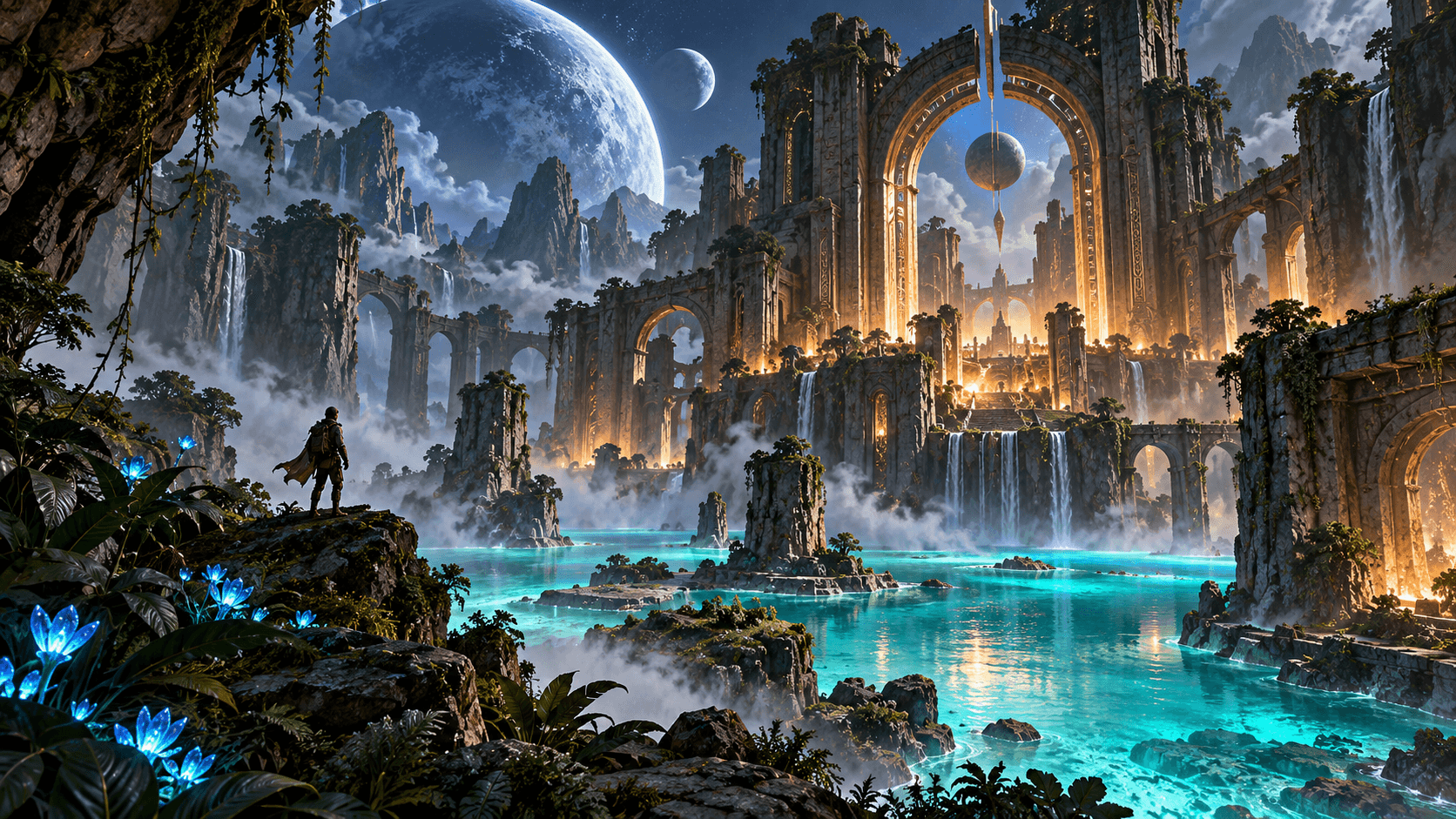
A striking Unreal environment needs more than a dramatic skyline. The player needs a place to begin, a route worth following, and a reason to explore. One carefully designed courtyard can demonstrate all three better than a sprawling unfinished world.
Buildr’s Unreal destination is an early-access workflow for UE 5.4 source prototypes. It can help you describe and assemble a starting project, but the native result still needs to be opened, compiled, and tested in Unreal Editor. The browser preview shows the scene’s intent; it does not run Unreal’s renderer or certify that the C++ project compiles.
Design the space around a goal
Choose a short objective and build the map around it. “Collect three relics and reach the gate” gives you an entrance, three destinations, and an ending. Each destination can introduce a different spatial idea: an elevated terrace, a narrow corridor, and an open courtyard.
Identify the landmark players can use to orient themselves. A lit tower, a large arch, or a distinctive tree can help the whole space feel coherent. Preserve a view of that landmark from important junctions.
Think about scale from the player’s camera. A map that looks beautiful from above may become confusing at ground level.
Give AI a spatial brief
Name the arrangement of the space, the path through it, and the interactions that support the goal. Environmental style comes after those requirements.
Create a compact Unreal Engine 5.4 prototype set in a ruined moonlit temple. Start the player in a safe entrance courtyard. Build a readable walking route through three connected spaces with a glowing relic in each. Collecting all three relics opens the final gate. Use a large illuminated arch as the main landmark, stone walls for boundaries, and blue-green lighting with warm accents near objectives. Include clear player controls and a reset flow. Keep the first version small and use simple geometry where detailed assets are unavailable.
Use the Buildr studio with Unreal Engine selected. Check the model’s request cost before generating. A paid plan and active provider access are required.
Separate the map checks from the visual checks
First ask whether the route works. Then judge atmosphere. This makes it easier to tell whether the next request should change geometry, player behavior, or lighting.
| Map question | Practical check |
|---|---|
| Can the player navigate? | Walk from the entrance to every objective |
| Is the space legible? | Identify the next destination from each junction |
| Do boundaries work? | Test edges, walls, slopes, and gaps |
| Does the goal complete? | Collect the required items and reach the exit |
| Does the scene read well? | Inspect silhouettes and contrast from player height |
Do these checks in the native project. A rendered image cannot reveal collision mistakes, input problems, or broken collection logic.
Inspect the native project before expanding
Download the source export and follow its README. Check the Unreal version, required tools, file layout, and project configuration. If compilation fails, keep the exact error and the file it refers to. A useful revision request names that failure rather than asking for an unrelated visual upgrade.
The Buildr connection panel provides the Unreal bridge workflow where available. Pair it with the project you are testing and send actual engine output back through that connection. Connecting does not automatically install Unreal, provision a cloud editor, or replace native compilation.
If you are new to the engine, begin with a small local test project before treating an exported prototype as the foundation for a release.
Add atmosphere after the route works
Use lighting to guide attention. Make objectives readable against the background, preserve contrast near stairs and ledges, and avoid hiding the route under dense effects.
A precise edit might be: “The final gate is difficult to find from the courtyard. Keep the layout and move the warm accent light to the gate, with a clear sightline from the relic platform.”
Expand the environment after you have one good route and one reliable objective. The small-game guide explains how to keep that first playable slice useful. Open Buildr when you are ready to describe your first space.
YOUR NEXT BUILD