Unreal Engine
Design an Unreal Horror Map with AI: Tension Through Space and Light
Plan a compact Unreal horror environment with landmarks, an understandable objective and deliberate lighting. Includes a map brief and greybox tests.
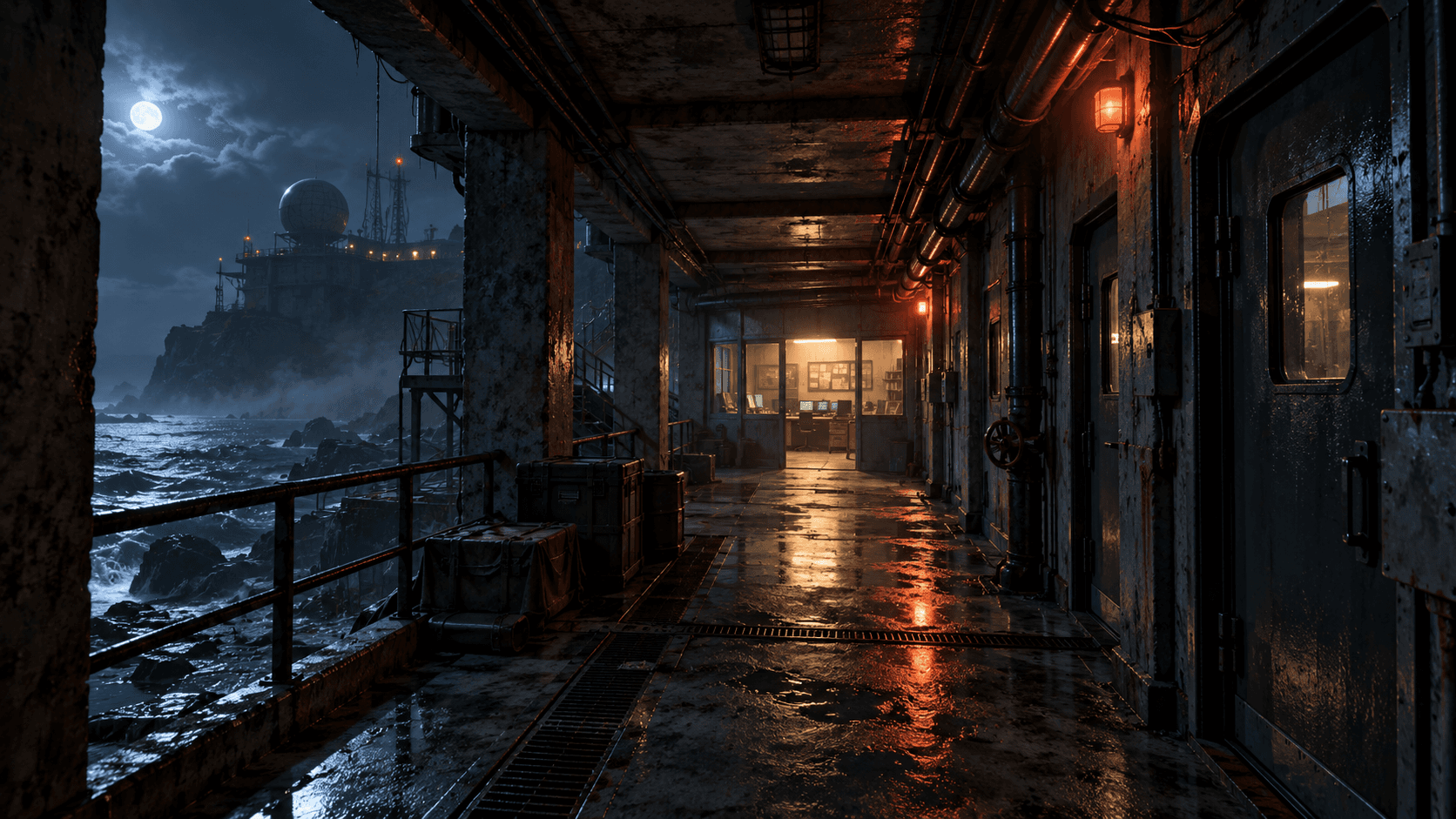
A horror map can create tension before it contains an enemy. A long view toward a locked door, a familiar room seen from a different angle, or a light that exposes only part of a corridor can all affect how a player moves. The first design question is where the player should feel uncertain—and where they should still understand the objective.
Use a compact abandoned research station as your first brief. In Buildr, Unreal is an early-access source-prototype destination. Native import, compilation and Editor playtesting remain necessary. The illustration above is a visual direction, not evidence of a tested Unreal project.
Separate uncertainty from confusion
The player can be uncertain about what is behind a door while still knowing that the door is their destination. Give them one concrete task, such as restoring power to an exit. Show the exit early, then place the power control along a short route that returns to it.
A confusing maze makes progress hard to assess. For a first map, connect three recognizable spaces: an entrance, a control room and an exit corridor. Give each a distinct shape or landmark. Make any locked route visibly locked so the player does not waste time pushing against scenery.
Draw the return journey
Walking back through a known space can be more interesting than adding another ten rooms. A restored light, an opened shortcut or a changed sound can make the return journey feel different while preserving the player's understanding of the layout.
Write the sequence before asking for detailed art. Entrance to control room, activate power, return through the corridor, open exit. Decide what changes after the interaction and what stays consistent. This keeps narrative atmosphere tied to game state.
| Space | Gameplay role | Visual cue |
|---|---|---|
| Entrance | Introduce the exit and objective | Distinct exit silhouette |
| Corridor | Build anticipation | Partial views and controlled light |
| Control room | Complete the main action | Clearly interactive switch |
| Return route | Confirm that state changed | Restored lights or opened shortcut |
Greybox before adding detail
The Epic level-design quick start covers basic level construction in the Editor. For this prototype, first evaluate room dimensions, doorways, player movement and collision using simple forms.
Can the player turn comfortably in the corridor? Does the control room reveal its interaction from the entrance? Is the exit recognizable on the return trip? A strong material treatment cannot fix a doorway that the camera cannot pass through.
A practical AI map brief
Prepare a compact Unreal Engine 5.4 source prototype for a first-person horror exploration map. Use an original abandoned coastal research station with three connected spaces: entrance, control room and exit corridor. The only objective is to restore power at a clearly marked control and return to the exit. Show the exit before the player leaves the entrance. Include collision, a readable interaction prompt and explicit locked/unlocked door state. Use cold moonlight and restrained amber practical lights, with enough visibility to navigate. Provide a simple greybox-friendly layout, source and native setup instructions. Keep monsters, combat, multiplayer and inventory out of this version.
The version matters: request output for the actual supported target and check it in that Editor. Do not assume that generated source compiles unchanged across engine versions. Buildr's current Unreal handoff is early access, so verify native execution before relying on it.
Use darkness to shape attention
Light the objective or a nearby landmark, then let the rest of the space remain quieter. Avoid uniform darkness that hides every surface. A player should be able to distinguish a traversable doorway from a deep shadow without increasing their display brightness to extremes.
Check the scene from the player camera, not only a dramatic editor angle. Readable interaction cues, material contrast and believable light placement can create atmosphere without filling the level with expensive effects.
Test the full state sequence
Try the exit before restoring power, activate the switch twice, and revisit the control after completing the objective. Check that doors, lighting and prompts agree with the current state. Restart and confirm that the station returns to its initial condition.
See the general Unreal map guide for spatial planning and the debugging guide for useful failure reports. Bring the brief into Buildr with an available model and paid credits, then test the native prototype before adding a larger story.
YOUR NEXT BUILD