Browser games
Plan a Browser Multiplayer Game with AI: Start with One Shared Goal
Scope a small browser multiplayer prototype around one shared objective, clear ownership and reconnect behavior before adding a large online world.
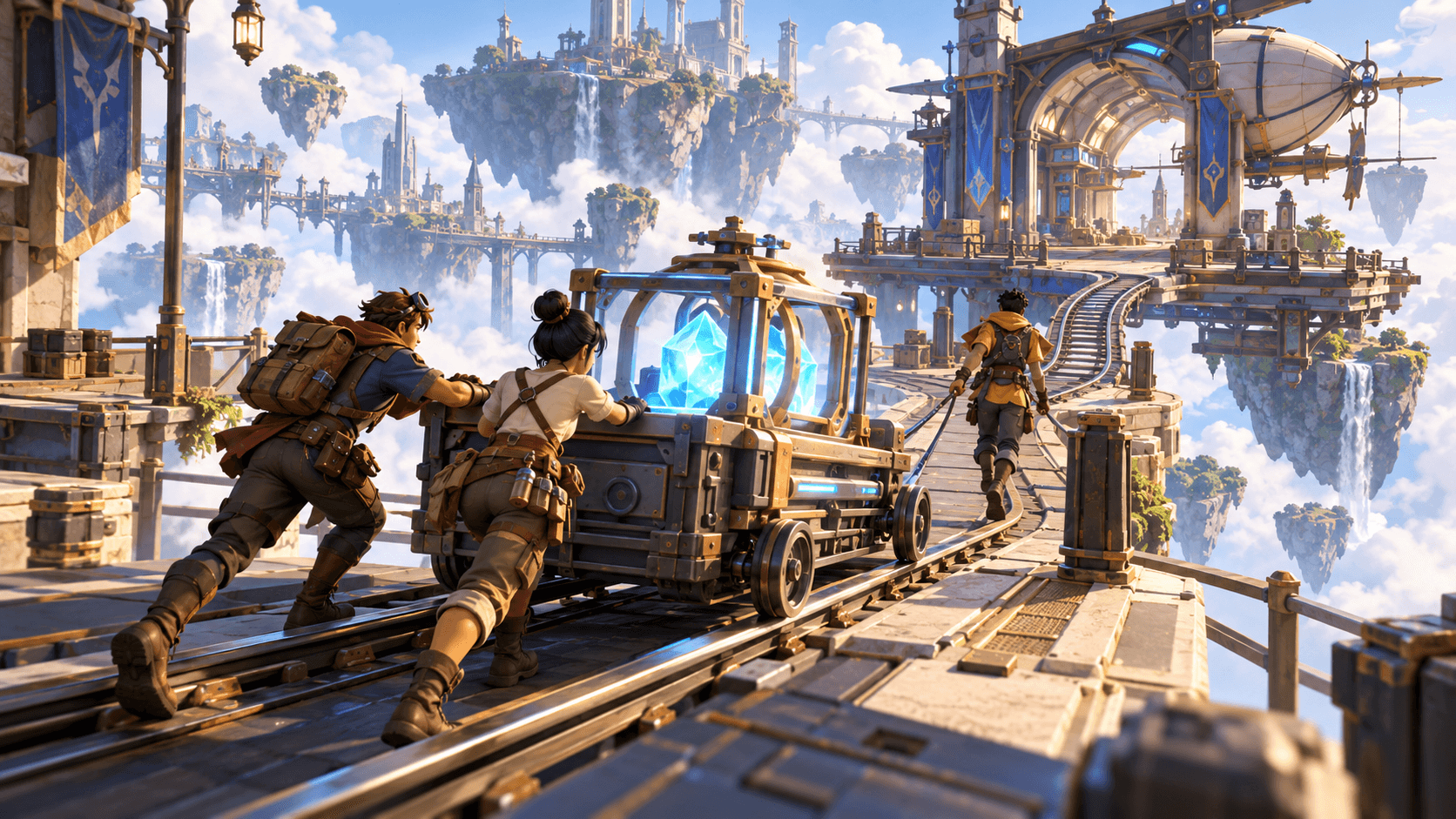
Multiplayer design begins with shared state. Players need to understand what they can change together, what belongs to them and what happens when someone disconnects. Start with one shared objective instead of asking AI for a complete online world.
For a first browser prototype, use three players, one objective and a short round. The concept art is original and illustrative; it is not proof of a deployed multiplayer build. Test the real browser behavior with the intended number of clients.
Choose a shared action
Opening a shared gate, carrying an energy core or activating three switches all create cooperation. Write who can trigger the action and how every player sees the result. Avoid hidden rules that only make sense after a player has already failed.
Separate shared state from private state. A player’s camera or local input can remain private; the gate, timer and objective progress need a consistent authority. If the prototype does not have a server, label it as a local or same-device experiment rather than implying online synchronization.
| State | Example | Question |
|---|---|---|
| Shared | Gate progress | Do all clients see one value? |
| Private | Camera direction | Can it stay local? |
| Session | Round timer | What happens on reconnect? |
| Player-owned | Inventory item | Who can change it? |
A first multiplayer brief
Prepare a browser multiplayer prototype for up to three explorers at one floating sky-rail station. Players cooperate to activate one shared energy objective and open one gate. Show objective progress consistently to every connected player. Keep player movement, camera and local input separate from shared gate state. If a player disconnects, preserve the shared objective for the remaining session and clearly handle a new join. Add a short round timer, a complete success state and Restart. Keep combat, accounts, matchmaking and persistent progression out of the first version. Include a test checklist for one, two and three clients.
This gives the model a limited state graph. Add a second objective only after you have observed clients joining, acting and leaving without contradictory screens.
Test the awkward moments
Start with one client, then join a second. Activate part of the objective from each client. Refresh one tab, close another and join again. Check whether the remaining player sees a stuck timer or a phantom character. Run the full success and restart paths with two clients.
Record which client performed each action and what every client displayed. That evidence is useful for an AI revision. “Multiplayer is broken” does not identify a state mismatch.
Read browser game fundamentals and AI debugging. Use Buildr for a narrow multiplayer brief when the model and paid credits are available, then verify the real browser session before inviting players.
YOUR NEXT BUILD